
01SPECIALIST / BROWSER
Specify
Open an IFC, find elements and assign the required properties. Return an enriched IFC or a BCF containing proposals and a change report.
IFC → requirements
Specialists enrich IFC properties in the browser. Architects compare the returned data with the current Revit model and choose which values to apply.
Free web beta · no account
Explore the workflow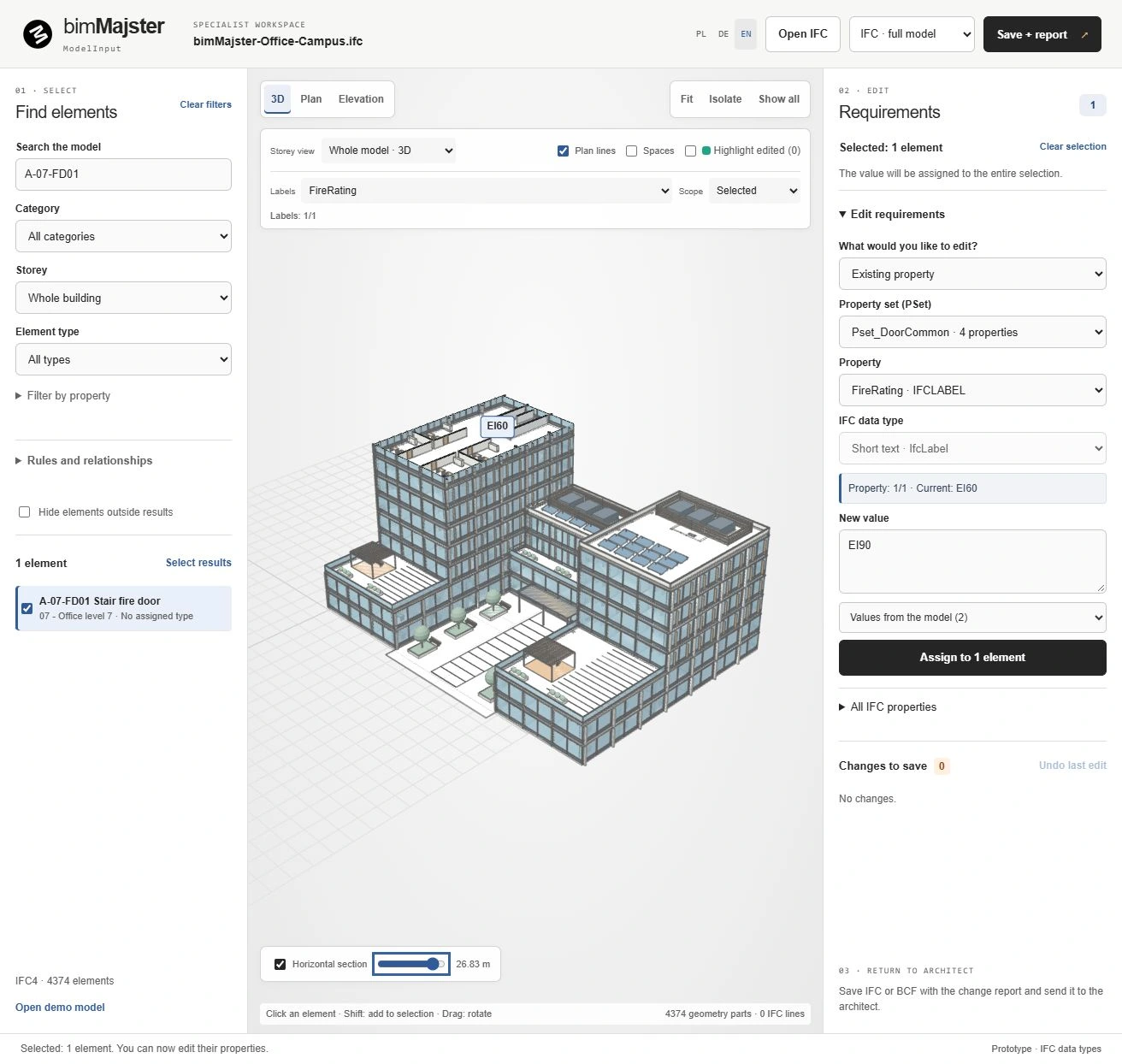 Full IFC building / EI60 door
Conflict — a decision is required
One workflow for two roles. Specialists contribute requirements while architects retain control of the model.
Open an IFC, find elements and assign the required properties. Return an enriched IFC or a BCF containing proposals and a change report.
See original, current and proposed values side by side. Identify new information, already-applied changes and conflicts that require a decision.
Choose values to write into existing element parameters. Unselected proposals leave the model unchanged. The update can be reverted with Revit Undo.
From selecting IFC elements to reviewing native model values. Explore the actual application interface.
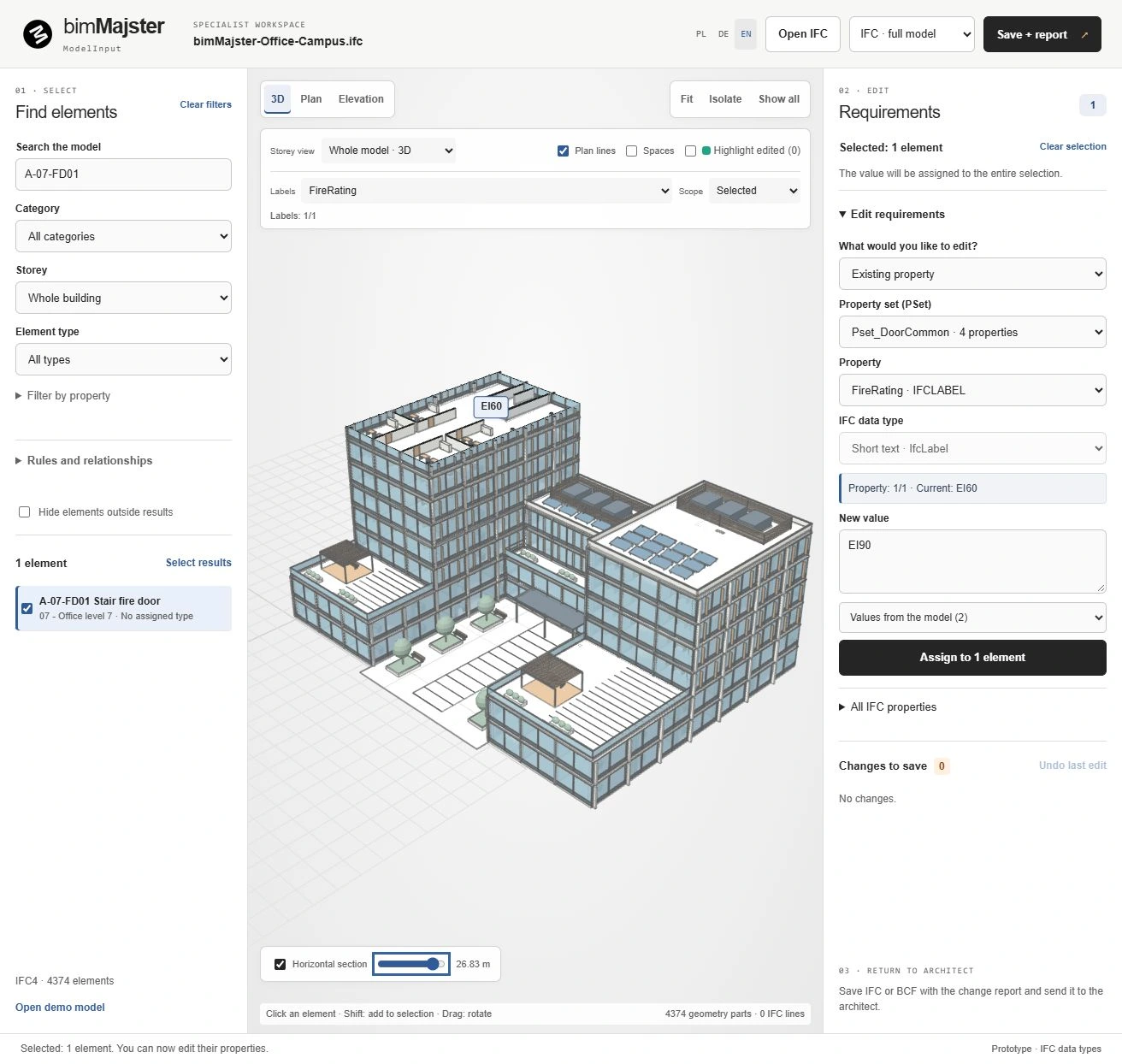
Original IFC demonstration model · Editor: PL / DE / EN · Revit plugin: PL
A value difference alone is not enough. ModelInput also considers the data in the IFC originally shared with the specialist.
Demonstration data / FireRating property
The model retains the source value. The architect can select the proposed update.
The current model differs from the source. The specialist proposal requires an explicit decision.
The proposed value is already present. This element does not need another update.
Work with IFC without creating your own Revit model. Select elements, enrich their data and return proposals to the architect.
Review proposals before applying them. Check conflicts and transfer selected values to existing parameters in your Revit model.
Use the editor to enrich properties and prepare proposals. Use the Revit plugin to compare the data and apply selected values.
Element selection, property editing and data preparation for the architect.
Browser · Polski / Deutsch / EnglishOpen the editorCompare and update properties in existing native Revit instance parameters.
Revit 2024 · 0.5.4.0 · free test candidateDownload pluginUpdates require existing compatible instance parameters. This version does not create parameters, write to types or linked models, or compare geometry changes. BCF exchange uses a compatible IFC Snippet.
Share the properties you need and your Revit version. We can discuss how ModelInput fits your office workflow.
The editor works locally in your browser. The Revit 2024 add-in is an unsigned test candidate; limitations are described in the guide.